A paper register, a phone timer and a calculator are enough for a small play zone. If one person runs a quiet floor with one simple price, paper works. Play zone billing software starts to pay when the desk gets busy: extra time is missed, siblings are billed wrong, and the cash drawer does not match at night. Here is how to tell which side you are on.
How does a paper desk work?
A register holds the child's name, the parent's phone and the time in. A phone timer or an alarm says when time is up. A calculator adds up the bill at the exit.
Not every "paper" desk is on paper. At a centre we visited before PlayOps existed, the desk used a spreadsheet on a laptop. Name, phone and time in were on the left. On the right was a grid of time boxes. Staff coloured a box by hand for every child on the floor.
It worked. But every step needed a person:
- Staff asked for the name and phone out loud.
- At time-up, staff called out to the parent.
- Extra time, coffee and cake were all asked for out loud.
- At the exit, the bill was added up in the head and on the sheet.
- No receipt was given.
The real question is what this costs you when the floor is full.
When is paper enough?
Stay on paper if most of these are true:
- One person runs the desk, and it is usually you.
- Only a few children are inside at once. You can see every child from the counter.
- You have one price. No extra-time steps, no passes, no sibling offer.
- Most parents pay one way, for example only by your UPI QR.
- You do not need to know who came last month.
- Your internet is down most of the day. The PlayOps desk keeps working offline and syncs later, but parent WhatsApp alerts and live reports need internet.
If that is your centre, a neat register and a clear rate card will serve you well.
Where does paper start to lose money?
Paper rarely fails on a quiet morning. It fails at the busiest hour, with a queue at the desk. In our study of 185 play centres, that hour was 7pm, every day of the week. Here is where paper slips.
Extra time
On that visit, we asked for 30 more minutes of play, and then 30 more. On the rate card, two half hours cost more than one full hour. The desk charged the one-hour price.
Was it a mistake or a kindness? We could not tell. Later, the owner saw the same gap and chose to keep it: a full hour costs the one-hour price, however it is split. That is a fine rule. But nobody had decided it until the question came up.
Write your extra-time rule on the rate card. See what to charge for the second hour.
Siblings
Two children come on one entry. The parent asks for 30 more minutes. Is that charged once, or for each child? As an owner put it: the extra time has to go on both, "because there are two kids". On paper, it is easy to write one line and charge once.
Software gets this wrong too, if nobody tells it. Our own early version added the time to one child only. An owner caught it, and we fixed it that week.
Add-ons said out loud
Socks, coffee, cake, arcade coins. On a paper desk, these are asked for out loud and added up at the exit. What is said at 7pm can be forgotten by 8pm. For items with no fixed price, we have been asked for a box to type what was sold. Then the day's list says "cake" or "toy", not just a price.
Split payments and the drawer
We have been asked for part cash and part UPI on one bill. On paper, that bill needs two notes in two columns. If one is missed, the cash in the drawer and the UPI total will not match at night.
Passes
We have been asked for a 10-hour pass that siblings share, with minutes taken off by actual play and an end date. On paper, someone subtracts the minutes for each child, every visit, and keeps the card safe. See the 10-hour pass.
Counting the right thing
A question we get about the day report: why does it show fewer customers than children? Both numbers are right: one counts families, the other counts children. A register has the same question. Decide if one line is one family or one child, and tell every staff member.
Software can make this mistake too. An early version of our floor screen counted family cards, not children. So it gave no warning when the floor went well past its safe number of children. We changed it to count children.
What could this cost you? A worked example
We cannot tell you what you are losing, but you can work it out. These numbers are made up. Change them to yours.
- Your extra 30 minutes costs ₹80.
- On a busy weekend day, 30 families ask for extra time.
- In the rush, the desk misses or under-charges 1 in 10 of them. That is 3 families.
3 × ₹80 = ₹240 a day. With 8 weekend days in a month, that is ₹1,920 a month. This does not count add-ons that were never written down.
₹240missed in one busy day, in this example₹1,920a month, over 8 weekend days₹2,999PlayOps Starter, per monthIn this example, missed extra time alone does not pay for software. The rest would have to come from add-ons, a faster day-end and knowing your regulars. If your own numbers come out much lower, paper may be the right choice for now. See all prices.
What does billing software change at the desk?
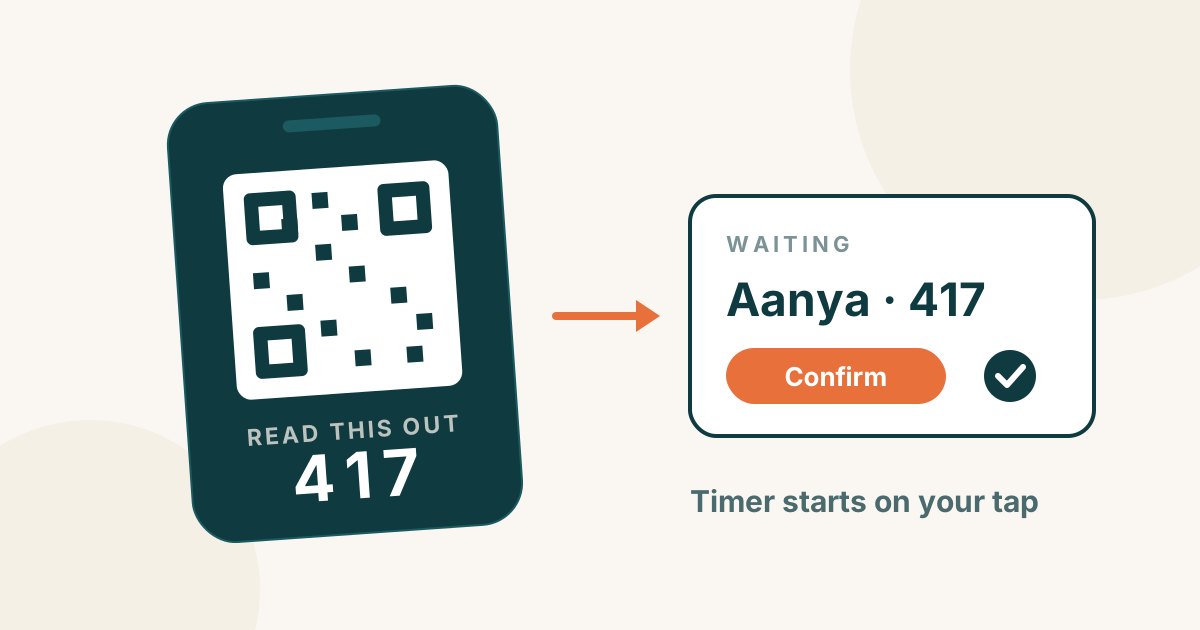
- Admit in one tap. Pick the package, and the timer starts. Next visit, the family comes up when you search.
- A timer for every child. The floor screen shows every child and the time left. The card tells the desk when time is ending. At time-up, the desk hears a chime.
- Extra time at your price. Tap extend. The bill uses your own extra-time rule, on every shift.
- One bill. Socks, snacks and other add-ons go on the same bill.
- How the parent paid. UPI, cash, card or a split of two. The parent pays you as always. PlayOps only records it.
- WhatsApp from your number. PlayOps writes the message. One tap opens WhatsApp, and your staff send it from your own number.
- Close the day. The day-end report shows sales by payment method. The month exports as a CSV for your accountant.
You need a phone, tablet or PC with a web browser and internet. Your printer, payment QR and wristbands stay the same. See how it works, step by step, or the play zone billing software page.
What will software not do?
Know the limits first. PlayOps:
- does not send WhatsApp alerts or show live reports without internet. The desk itself keeps working offline and syncs when you are back online.
- is not an accounting or tax-filing package. It gives you the sales record, not the return.
- does not take payments. You keep your own UPI QR, cash and card machine.
- is not a childcare, daycare or preschool attendance system.
- does not sell play equipment, and it is not a booking site for parents.
No software fixes a silent rate card, either. If you have not decided your extra-time or sibling rule, software cannot decide it for you.
Staff also have to use it. If an admit takes longer than writing in the register, staff will go back to paper. We have been asked to let staff enter just the number of children, instead of typing each name. When you try any software, time one admit at your busiest hour.
Can I try it without giving up the register?
Yes. Keep the register for the first weekend, and run both. Check the two totals at closing. If they match and the desk felt easier, stop the register.
PlayOps gives one month of the full Growth plan free, with no card. After the month, you pick a plan. Until you do, the floor keeps working on a reduced set, and nothing is deleted. If you keep members in a notebook, type the list into a spreadsheet: name, phone, sessions left and end date. Send it to us, and we import it.
What to do tomorrow
- Read your rate card. Is the extra-time rule written? Is the sibling rule written? If not, write them first.
- For one busy weekend, note every extra-time request on a separate sheet. At closing, check each one against the bill.
- Do the same for socks, coffee and other add-ons.
- Put your own numbers into the worked example above.
- If the gap is small, stay on paper and keep the rules clear. If it is not, try PlayOps free for a month and run it beside your register for one weekend.